
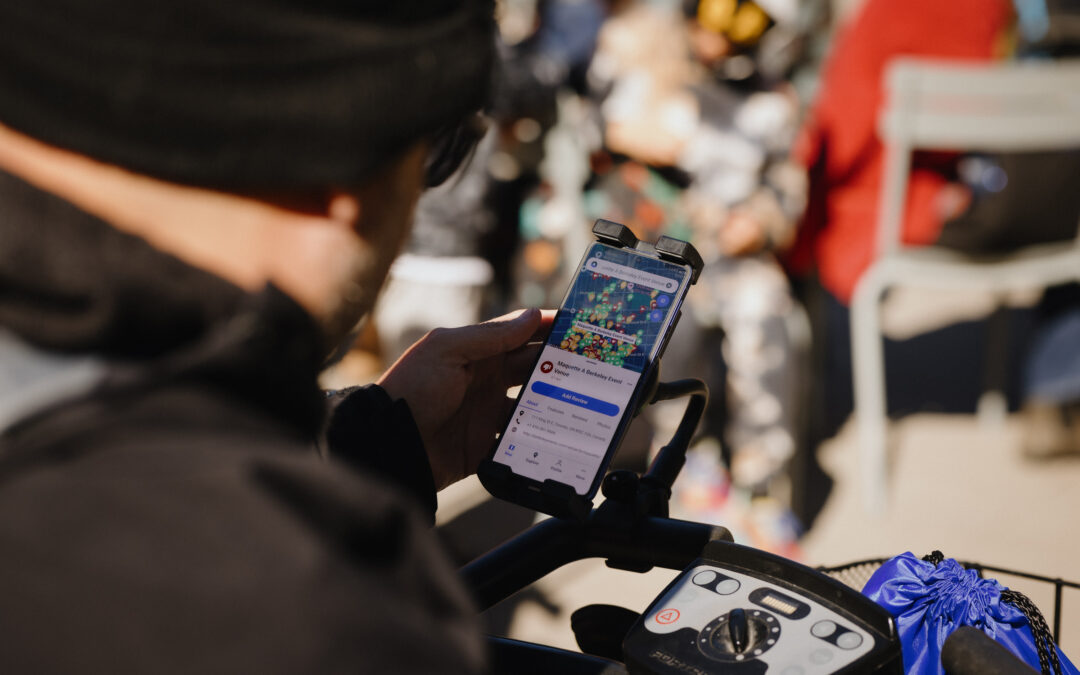
We’ve officially moved away from Facebook Login on AccessNow. If you’ve been signing in with Facebook, you’ll need to migrate your account to keep using it.
The good news is that it only takes a few minutes. Going forward, you can sign in with Google, Apple, or your email and password, whichever works best for you.
How to migrate your account
The steps are the same whether you’re on the AccessNow mobile app or the website:
- Open the AccessNow app or visit map.accessnow.com.
- On the Log In page, scroll to the bottom and select Migrate Your Account.
- Follow the on-screen instructions to verify your existing Facebook account.
- Pick your new login method (Google, Apple, or email and password) and complete the migration.
Once you’re done, you can keep exploring AccessNow like you always have, just with a new way to sign in.
Already signing in another way?
If you already use Google, Apple, or an email and password, there’s nothing you need to do. Keep signing in as usual.
Need a hand?
If you experience any issues, please reach out to us at hello@accessnow.ca. We’re happy to help.
Latest on the blog
Accessible Hospitality Across Niagara-on-the-Lake
Niagara has built a reputation as one of Ontario's more accessible destinations. We've previously shared how much of the region has been increasingly designing their spaces and experiences with accessibility in mind. This article written by Tori Hunter, highlights fun...

Families Want Accessible Travel, and They’re Willing to Pay For It
A new report from Fora, a network of travel advisors, puts numbers behind something many of us already know: accessibility needs aren't rare in family travel, they're common. And the travel industry still isn't set up to handle them well. Fora surveyed 2,592 U.S....

The World Works Better With Us – Disability Pride 2026
July is Disability Pride Month, and this year's theme is: "The World Works Better With Us." There's a real idea behind that theme, and it has a name: the curb-cut effect. It's named after those sloped ramps cut into sidewalk corners. They were built in the 1970s so...
